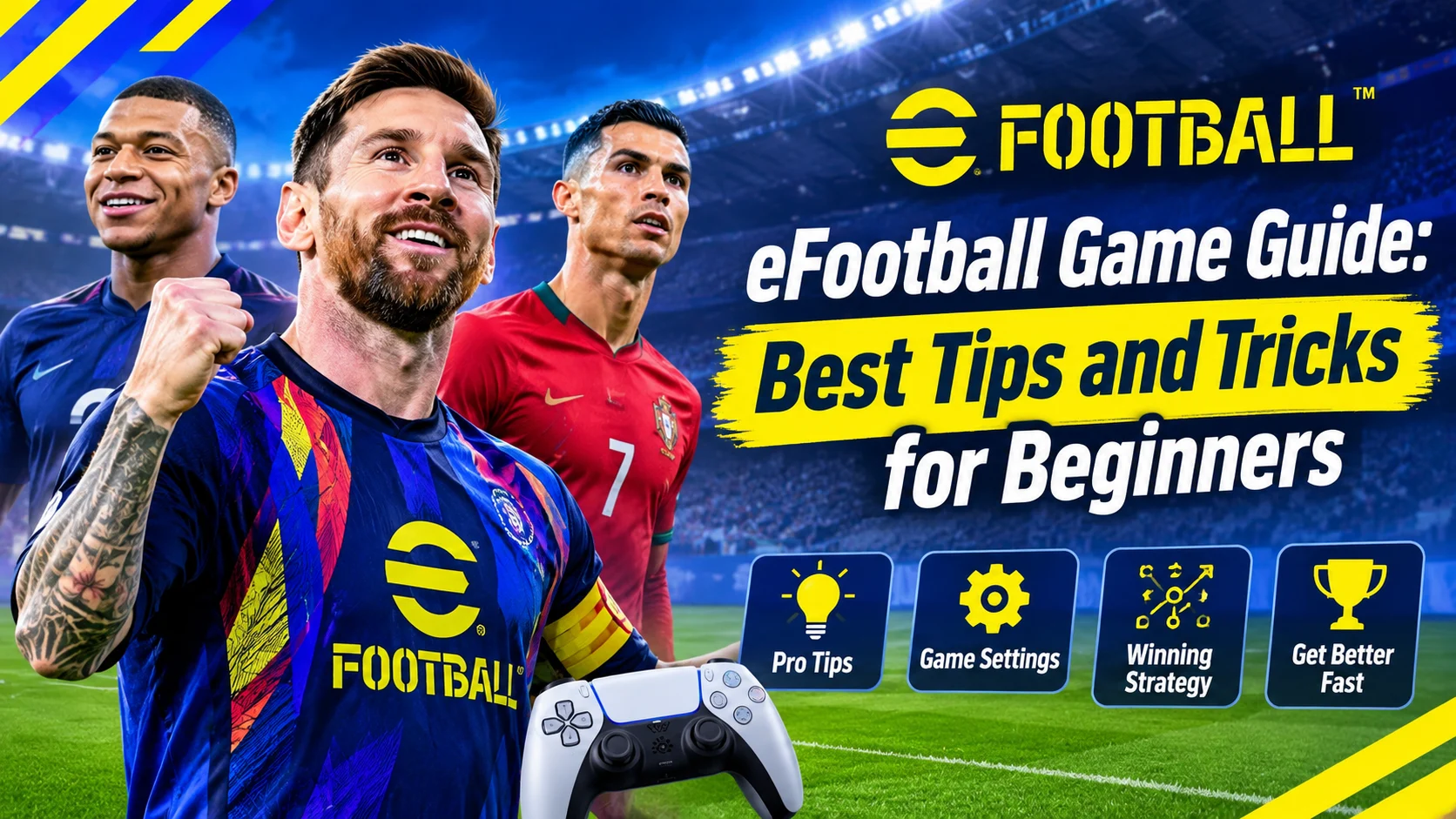
eFootball is a free football (soccer) game for your phone. You build your own team, then play matches against people from around the world.
This post is a simple guide. You will learn what the game is, how to play it, how to get better players, and if it is worth your time.
Key Takeaways
- eFootball is a free football game made by KONAMI.
- You pick your own players and build your own team.
- You play matches online, so you need the internet.
- You can play with friends.
- It is free to download, but you can also buy things with real money. You do not have to.
- It works on Android and iPhone. On iPhone you need iOS 15.0 or later and about 3 GB of space.
- It is a good game for football fans. Set a spending limit before you start.
What Is eFootball?
eFootball is a football game made by KONAMI. It used to be called PES (Pro Evolution Soccer). Now it has a new name, and it is free to play.
The game keeps changing, and new events and features come often. In the game, you pick your players, train them, and play matches. The App Store says the game has more than 1 billion downloads.
Is eFootball Free?
Yes, eFootball is free to download and play.
The game also sells things for real money, such as coins. Coins help you get new players. You do not have to buy anything, because you can earn rewards by playing matches and events.
Some rewards are random, like opening a surprise pack. Some countries limit this, and some ask for a parent's permission. If you want to buy things, set a spending limit first. You can also turn off purchases in your phone settings.
What Can You Do in eFootball?
Here is what you can do in eFootball:
- Famous players: Sign well-known football players for your team.
- Your own team: You choose the players and the manager.
- Online matches: Play against people from other countries.
- Player training: Make your players stronger over time.
- New events: There is something new to do almost every week.
- Play with friends: Play one against one, or play on the same team.
4 Ways to Play eFootball
eFootball has a few ways to play. Each one gives you rewards.
Dream Team: Build Your Own Team
This is the main mode. You build your own team with players and a manager. Then you play matches with your team.
eFootball League: Play Against Other Players
Here you play against other players. Your goal is to move up to a higher group, called a division.
Friend Match: Play With a Friend
Play one match against a friend. You can also join a friend and play on the same team.
Events: Earn Extra Rewards
Events last for a short time. They give you extra rewards. Check them often, because new ones come often.
How to Play eFootball for Beginners
You control your team with the buttons on your phone screen. The game teaches you step by step.
Step 1: Do the Tutorial
When you open the game for the first time, a tutorial starts. It has practice matches. It shows you the basic controls and how to build your team.
Step 2: Learn the Basic Buttons
These are the main moves:
- Move: Run with your player.
- Pass: Give the ball to a teammate.
- Long pass or cross: Kick the ball far, or into the area in front of the goal.
- Shoot: Hold the button longer for a stronger shot.
- Sprint: Run faster.
- Tackle: Take the ball from the other team.
The game has a controls guide, and you can change the settings to what feels easy for you. Buttons can change after updates, so check the guide in the game.
How Can You Get Better Players?
A strong team needs strong players. Here are the ways to get them.
Sign New Players
Your team starts with basic players. They are not very strong. Signing new players is the fastest way to get better. You can use coins, or points you earn in the game.
Play Matches and Events Often
Matches and events give you rewards. You get items and points. Playing a little each day helps a lot.
Train Your Players
Players get stronger when they play matches or use items. Then you use Progression Points to improve their skills, like speed or shooting.
Pick a Manager You Like
The manager decides how your team plays. Pick one that fits the way you like to play. Stay with that manager so you learn how the team works.
Buying coins is your choice. You do not need real money to start, because matches and events give you rewards.
How to Download eFootball on Android and iPhone
You need the internet to play eFootball. Use a good connection before you start.
On iPhone and iPad
You need iOS 15.0 or later. The game uses about 3 GB of space. KONAMI says to use Wi-Fi when you download the game and its updates.
On Android
To get started on Android, open the eFootball game page. It has more details about the game and a link to download it. Before you install, check the Google Play page for the current Android requirements.
Stay Safe When Downloading
Download the game only from the official store on your phone. Do not use other websites that offer changed or hacked files. They can have viruses and put your account at risk.
5 Easy Tips and Tricks for Beginners
- Do the tutorial and practice matches first. Learn the buttons before you play online.
- Play the events each week. Do not restart your account to get better starting players, because you lose the rewards you earn by playing.
- Train your players. This makes the players you already have stronger.
- Pick a manager you like and stay with that choice.
- Set a spending limit, or turn off purchases, before you start.
Conclusion: Is eFootball Worth Playing?
Yes, if you like football. eFootball is free to try, and the tutorial helps new players. New events give you a reason to come back.
Be careful with spending. Some rewards are random, so set a limit early. You also need the internet and enough space on your phone for a big download. If you play at a free pace, it is a fun football game for your phone.
Looking for more games to enjoy after this one? Find more HTML5 games on ETM Games.
Questions People Ask About eFootball
Is eFootball free?
Yes. It is free to download. You can also buy things with real money, but you do not have to.
Is eFootball on iPhone and Android?
Yes. It is on iPhone, iPad and Android. Check the App Store or Google Play to see what phone you need before you install.
Can I play without spending money?
Yes. Matches and events give you rewards. You can also turn off purchases in your phone settings.
Do I need the internet to play?
Yes. The game needs the internet. Wi-Fi is best for downloads and updates.
Is eFootball the same as PES?
Yes, in a way. eFootball is the new name for the PES (Pro Evolution Soccer) games. It is free and gets updates often.
Can I play with friends?
Yes. In Friend Match you can play against a friend, or play on the same team.
How do I get better players?
Sign new players, play matches and events, train your players, and pick a manager you like.
Is it safe to download?
Yes, if you use the App Store or Google Play. Do not use other websites with changed files.