GTA 5 browser game has a huge open world and dozens of controls to learn. The free official GTA 5 game manual app is the quickest way to start: it is a guide, not the game, and it downloads free on Android and iPhone. Below you will find the download steps, controls, map and beginner tips.
What Is the GTA 5 Manual App?
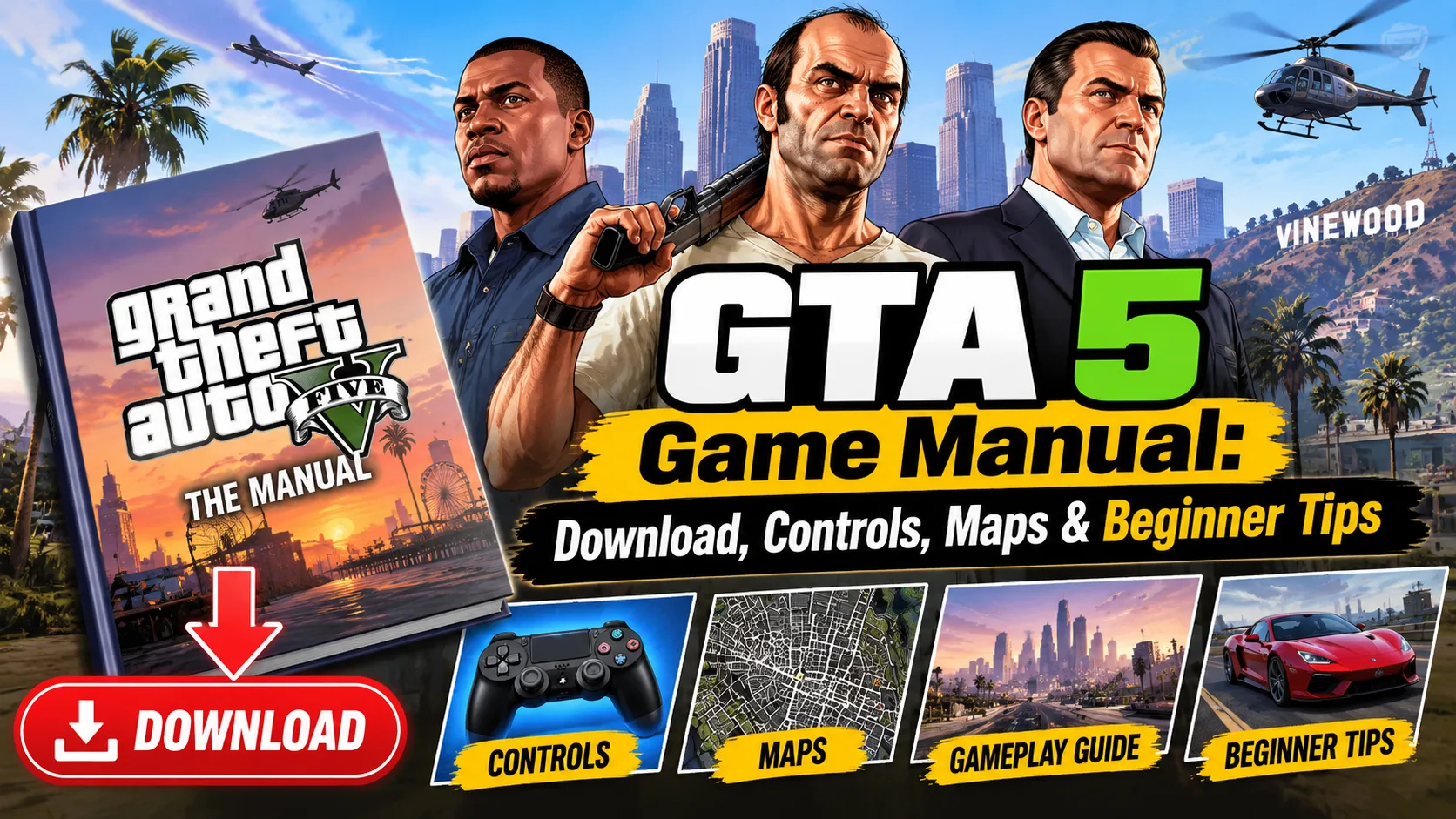
Grand Theft Auto V: The Manual is the official companion app from Rockstar Games, and it is free. It is a guide, not the game: you cannot play GTA 5 inside it.
Inside the app you get:
- Over 100 pages covering controls, gameplay basics and features
- Overviews of Los Santos, Blaine County and the main activities
- An interactive map you can zoom into and explore
- Tips that work for both console and PC
Many people open the app expecting a game, but it is not one. Think of it as the small booklet that used to come in a game box.
How to Download the GTA 5 Manual
The manual is free on Android and iPhone. On a PC, you can use it through an Android emulator (a free program that lets your computer run phone apps).
GTA 5 manual for PC: The manual is a phone app, so there is no PC version to install. For the GTA 5 game manual download on PC, install an Android emulator such as BlueStacks, then get the app from Google Play. Or just install it on your phone and keep it next to you while you play. Both ways are free.
You can also see a short summary and the Play Store button on the Grand Theft Auto V page on ETM HTML5 Games. It is an info page that points to the manual app, not the full GTA 5 game.
GTA 5 Controls: PlayStation, Xbox and PC
New to the game and wondering how to play GTA V? Start with these basic controls for walking, fighting and driving.
PlayStation
- Move / look: Left stick / Right stick
- Sprint: tap X
- Jump: Square
- Aim / shoot: L2 / R2
- Reload: Circle
- Take cover: R1
- Weapon wheel: hold L1
- Enter or exit a vehicle: Triangle
- Accelerate / brake: R2 / L2
- Handbrake: R1
- Change camera view: Select (touchpad)
- Phone: D-pad up
- Switch character: hold D-pad left
Xbox
- Move / look: Left stick / Right stick
- Sprint: tap A
- Jump: X
- Aim / shoot: LT / RT
- Reload: B
- Take cover: RB
- Weapon wheel: hold LB
- Enter or exit a vehicle: Y
- Accelerate / brake: RT / LT
- Handbrake: RB
- Change camera view: Back
- Phone: D-pad up
- Switch character: hold D-pad left
PC (keyboard and mouse)
- Move: W A S D
- Look: Mouse
- Sprint: Left Shift
- Jump: Space
- Aim / shoot: Right mouse button / Left mouse button
- Reload: R
- Take cover: Q
- Weapon wheel: hold Tab
- Enter or exit a vehicle: F
- Accelerate / brake: W / S
- Handbrake: Space
- Change camera view: V
- Phone: Up arrow
- Switch character: Left Alt
Tip: Open the phone to call a taxi, check contacts or use the in-game internet. The pause menu also has the map and your mission list.
GTA 5 Map: Los Santos and Blaine County
The game world has two main areas, and the manual's map lets you zoom into each one.
- Los Santos: the big city in the south, with beaches, downtown, Vinewood and many missions.
- Blaine County: the countryside to the north, with desert, mountains, farms and small towns.
- Ocean: the sea around the island, good for boats, diving and hidden finds.
How to Use the GTA 5 Map
- Open the pause menu to see the full map, and place a waypoint on any spot. A route line then shows on your mini-map.
- Look for the small icons on the map. They mark missions, shops, safehouses and activities.
- Read the manual's area pages to see what each place offers before you go.
Beginner Tips for GTA 5
- Follow the story first. Early missions teach you the controls and introduce the three playable characters: Michael, Franklin and Trevor.
- Learn to switch characters. Use the character wheel to jump between them. It helps you skip long trips or escape trouble.
- Save often. Sleep in a safehouse bed or use Quick Save on your phone to save your progress. Do not rely on autosave alone.
- Use cover when shooting. Taking cover makes fights far easier than running in the open.
- Watch your wanted level. The stars show how hard the police are chasing you. Get out of their sight and leave the search area to lose them.
- Use the phone. It calls taxis, contacts and friends, and it opens the in-game internet.
- Mix up your driving. Cars handle differently. Try a few, and use the handbrake for sharp turns.
- Explore side activities. Races, golf, tennis, yoga and hunting are fun, and they teach you how the game works.
- Buy better gear. Spend money on weapons, clothing and vehicle upgrades once you have it.
- Keep the manual handy. Use it when you forget a control or want to learn about an area.
Want to Play a GTA-Style Game Right Now?
GTA 5 needs a console or a strong PC. But you can try similar city, crime and driving games for free in your browser.
- Gangster City Crime: explore a city and take on crime-themed challenges across several levels. On desktop, move with W A S D and attack with a left click.
- Aventador Vice Crime City: drive supercars, customize them and escape police chases in an open-world city. Steer with W A S D or the arrow keys, and use Left Shift for nitro.
- Stickman GTA City Mayhem: guide a stickman through a chaotic city, hop into vehicles and fight. Move with W A S D, sprint with Shift and enter or exit vehicles with E.
They are an easy way to practice driving and fighting before you play the real game.
Final Thoughts
The GTA 5 manual will not replace playing, but it makes your first hours smoother. Install it, learn the controls, study the map, and follow the tips above. You will spend less time lost and more time enjoying Los Santos.
Looking for more free games to play while you wait? Browse the full collection at ETM HTML5 Games.
FAQ
Is the GTA 5 manual app free?
Yes. It is free on Google Play and the App Store.
Can I play GTA 5 on my phone with this app?
No. The app is only a guide to the game. The game itself is sold for console and PC.
Is the manual official?
Yes. It is published by Rockstar Games, so always check the developer name before installing.
Does it work for the PC version?
Yes. The manual covers the game on both console and PC, so the map and gameplay info apply either way.
The app shows a black screen. What now?
Rockstar suggests closing the app fully in your phone's Settings (Application Manager), then opening it again.
Is there a manual mode in GTA 5?
There is no separate "manual mode" in the game. People usually mean one of three things: the manual app, aiming by yourself, or a manual gearbox. To aim by yourself, open Settings > Controls and set the targeting mode to Free Aim. In the normal game, cars use automatic gears. Manual gearboxes mostly come from PC mods.
How do you play GTA V manually?
If you mean taking more control, switch to Free Aim, aim yourself and drive with the controls listed above. If you mean learning the game, read the manual app first. Then practice in Free Roam before hard missions.
Is the GTA V manual a game?
No. It is a free guide app from Rockstar Games with controls, map and gameplay info. It does not contain the game, and you cannot play GTA V inside it.
How do I open the GTA V manual on mobile?
Install Grand Theft Auto V: The Manual from Google Play or the App Store, then tap its icon on your home screen. Use the menu inside to browse the pages and the interactive map.
Where can I download the GTA 5 manual for free?
Use the links in the download section above. Both the Android and iPhone versions are free and published by Rockstar Games.
Is there a GTA 5 manual for PC?
The manual works on any phone. PC players can use it through an Android emulator. The tips and map info apply to the PC game too.