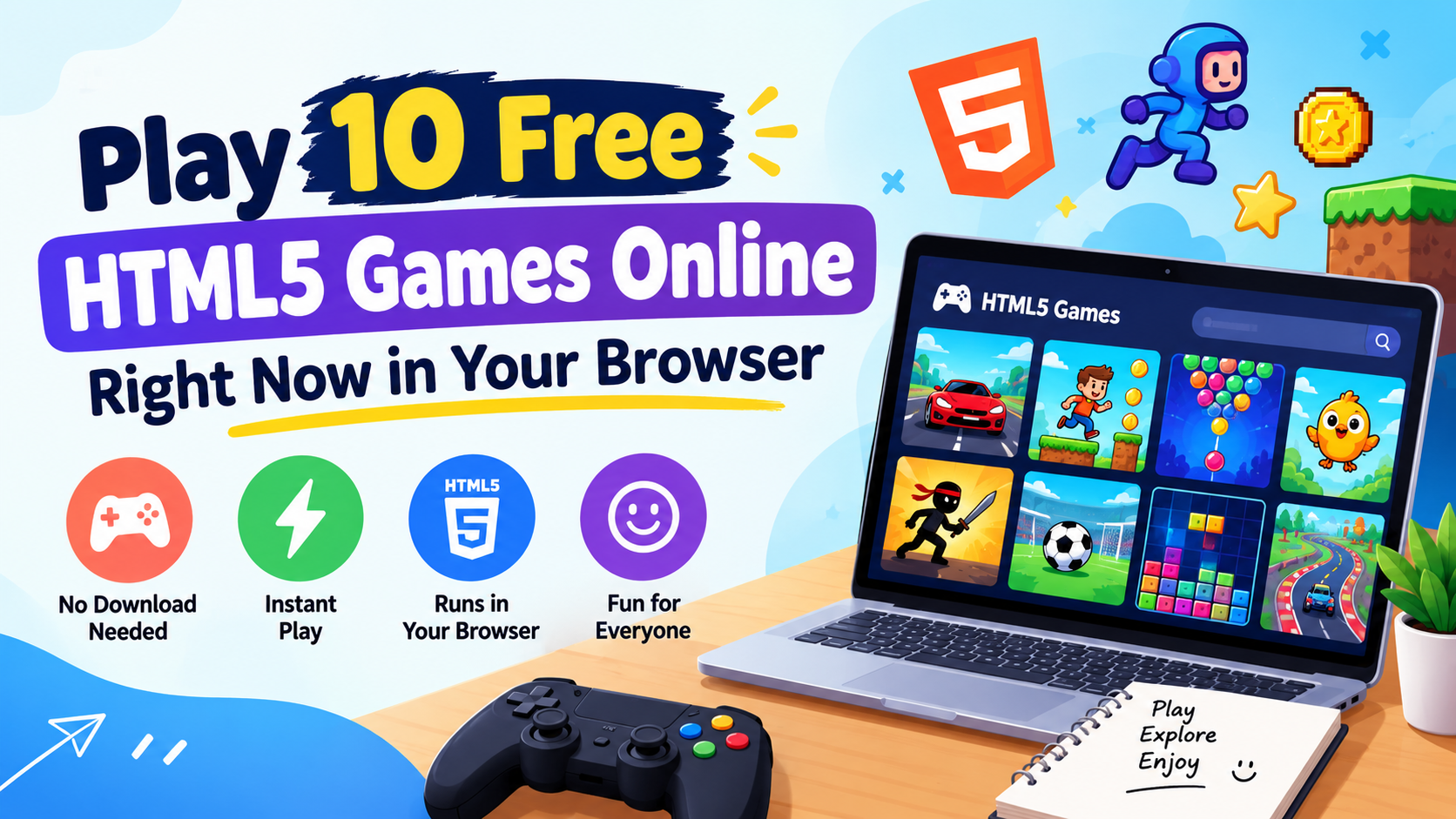
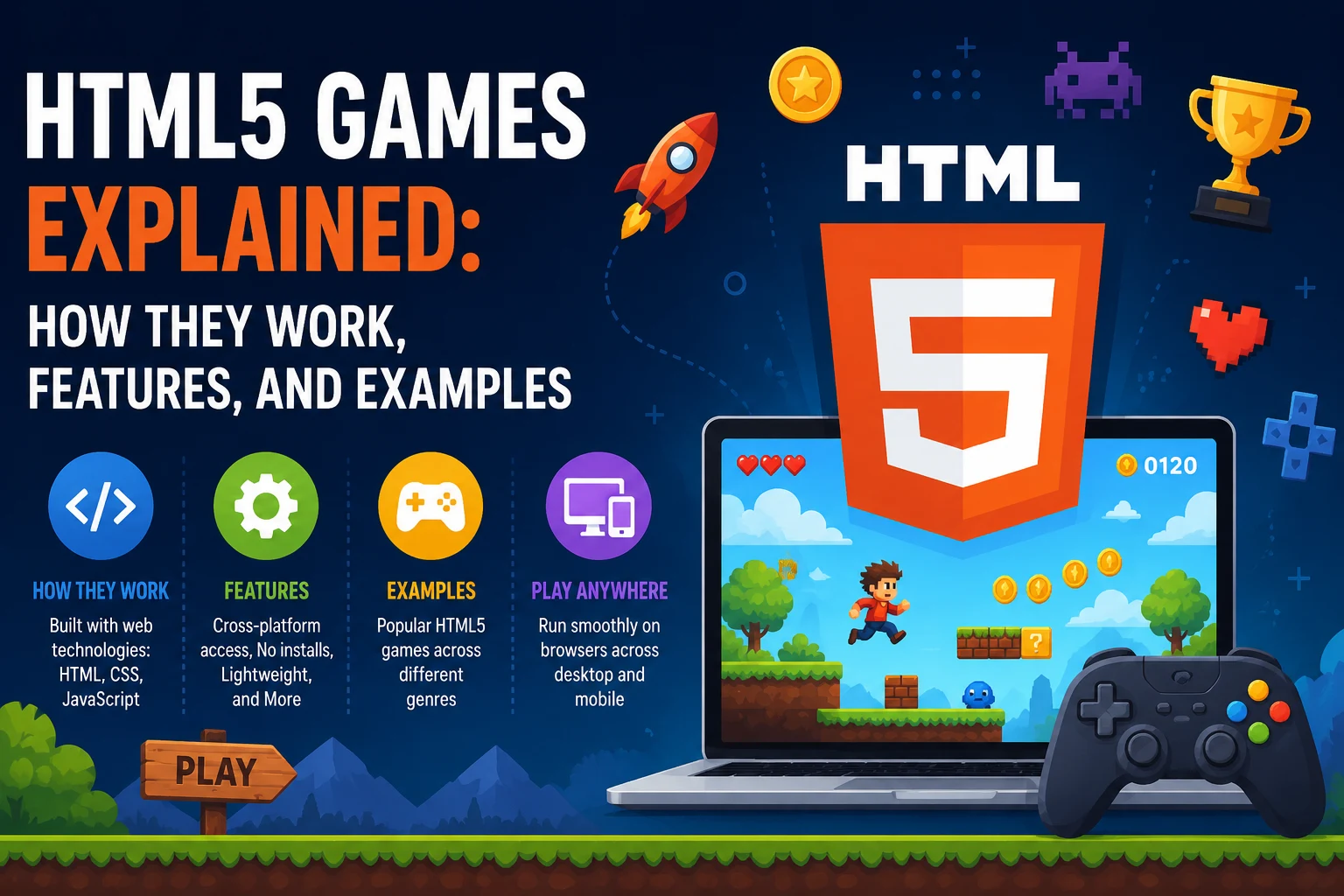
In this guide you will learn what HTML5 games are, how they work behind the scenes, what features make them special, and which types are most popular. Everything is explained in simple words, so you do not need any coding knowledge to follow along.
What Are HTML5 Games?
HTML5 games are games built using web technology instead of installed software. They run directly inside your browser, like Chrome, Safari, Edge, or Firefox. You do not need to download a file, install an app, or update anything to play them.
Because they are made with web code, these html games work on almost every device. The same game can open on a laptop, a school Chromebook, an Android phone, and an iPhone. That single-link simplicity is why so many players prefer them today.
Why Browser Gaming Took Over
The shift happened for one simple reason: convenience won. Players stopped wanting to wait ten minutes for a download just to test a game for five minutes. A link that opens instantly removed that barrier completely.
If you want to try some right now, you can explore a full library of free games and start playing in seconds.
How HTML5 Games Work
You do not need to be a developer to understand this. An HTML5 game is really just a web page that knows how to move, react, and keep score. A few parts work together to make that happen.
The Three Building Blocks
- HTML5: Builds the game area, called the canvas, where everything is drawn.
- CSS3: Handles the look, including colours, menus, buttons, fonts, and layout.
- JavaScript: Runs the logic, such as movement, collisions, scoring, levels, and controls.
What Happens When You Click Play
You click a game link, your browser downloads a small package of code, and then it draws the game on screen. Your keyboard taps, mouse clicks, or screen touches are read instantly by JavaScript, which updates the game many times per second.
Most games also save your progress in the browser itself using local storage. That is how you return later and still see your high score, even though you never created an account or installed anything.
The Game Engines Behind the Scenes
Developers rarely write every line from scratch. They use ready-made tools called game engines, such as Phaser, Construct, or PixiJS. These handle the hard parts like physics and animation, which is why so many quality games get released each month.
Key Features of HTML5 Games
These games became popular for real reasons, not just hype. Below are the features players and site owners care about most.
- No download or install: Click the link and play instantly.
- Works on any device: Phone, tablet, laptop, and desktop, all from one link.
- Light on storage: Nothing is saved on your device, so your memory stays free.
- Cross-browser support: Runs on Chrome, Edge, Firefox, Safari, and Opera.
- Safe and modern: No Flash player, no plugins, no risky third-party software.
- Fast loading: Most games open in a few seconds, even on average internet.
- Easy to share: One link is all a friend needs to play the same game.
That last point matters more than people think. Sharing a game is as easy as sharing a website link, which is why these games spread quickly in schools, offices, and group chats.
Why HTML5 Unblocked Games Are So Popular
Many schools, colleges, and offices block gaming apps and app stores. But browsers are almost never blocked, because people need them for real work and study. This is exactly where html5 unblocked games fit in.
Since the game runs inside a normal web page, it usually loads fine on restricted networks. There is nothing to install, so no admin permission is needed either. A short break during a study gap or lunch hour becomes possible again.
Common Reasons People Search for Them
- School and college Wi-Fi blocks app stores and game clients
- Office laptops do not allow software installation
- Low-end devices cannot run heavy installed games
- Players want a quick five-minute break, not a five-gigabyte download
You can browse the most-played trending games that load quickly even on slow school or office networks.
Popular Types and Examples of HTML5 Games
The variety here is much bigger than most people expect. Whether you like thinking, racing, shooting, or dressing up characters, there is a category waiting for you. Each one below links straight to its own page on the site.
Puzzle and Brain Games
Games like 2048, Sudoku, Mahjong, and match-3 games. They need no tutorial, so you can understand the rules within the first few seconds of playing.
These are the best choice when you have a short gap between classes or meetings. Browse the full puzzle games collection, or try the wider casual games section if you want something even lighter.
Racing and Driving Games
Drift, bike, parking, and stunt games with simple arrow-key controls. They run smoothly even on modest laptops, since browser racing games are built to stay light.
Beginners usually start with parking and city driving, then move on to drift and stunt tracks. You can see every track and vehicle type in the car and racing games section.
Action and Shooting Games
This is the fastest-paced group on any gaming site, and reflexes matter more than strategy. Many titles now include multiplayer modes played directly in the browser with no signup at all.
If you prefer melee combat, platform fights, and adventure levels, head to the action games section. For aiming, sniping, and target practice instead, the shooting games section is the better fit.
Sports Games
Football penalties, basketball hoops, cricket, and pool. These are easy to pick up and hard to put down, which makes them a favourite for short breaks.
They also work well for two players on one keyboard, so they are a good pick when a friend is sitting next to you.
.io Games
Games like Slither snake and Agar-style blob games. You join a live room instantly and play against real people from around the world.
No account, no download, and no waiting in a lobby. Jump into the .io games section and you are in a live match within seconds.
Dress-Up and Girls Games
Fashion, salon, cooking, and design games where creativity matters more than speed. There is no timer and no way to lose, which is why players of all ages enjoy them.
Start with the dress-up games section for styling and outfit games. For a wider mix that also covers salon, cooking, and makeover play, open the girls games section, which gets new releases regularly.
Classic and Retro Games
Snake, Tetris-style stackers, Pac-Man style mazes, and pinball. These bring back old-school fun with modern smoothness and better controls.
HTML5 Games vs Old Flash Games
Many players remember Flash games from years ago. Flash was officially shut down at the end of 2020, and HTML5 took its place completely. Here is a quick side-by-side view.
Point | Flash Games | HTML5 Games |
|---|---|---|
Plugin needed | Yes | No |
Mobile support | Very poor | Excellent |
Security | Weak, many risks | Strong and modern |
Loading speed | Slow | Fast |
Current status | Discontinued | Actively used |
The takeaway is simple. Everything Flash did well, HTML5 does better, and it also works on phones, which Flash never truly managed.
Are HTML5 Games Free and Safe to Play?
This is the question new players ask most, and the short answer is yes on both counts. Here is the detail behind it.
Are They Really Free?
Most of them are completely free. Sites usually earn from ads instead of charging players, so you can play html5 games free online without a subscription or credit card.
Safety Tips Before You Play
They are far safer than downloading random game files. Nothing installs on your device, so there is no risk of hidden software. Still, a few basic habits keep you protected.
- Play on trusted, well-known gaming sites
- Never share personal details in a game chat
- Avoid any “game” that asks you to download an .exe file
- Keep your browser updated for the best speed and security
How to Start Playing in 3 Easy Steps
Getting started takes less than a minute. There is no setup process to worry about.
- Open a trusted HTML5 gaming site in your browser.
- Pick a game from the category you enjoy most.
- Click play and use your keyboard, mouse, or touchscreen.
That is all there is to it. Ready to try one? Head over to ETM games and pick any title from the homepage.
Common Problems and Quick Fixes
Browser games run smoothly most of the time, but small issues can pop up. The good news is that nearly all of them have a one-minute fix.
The Game Will Not Load
Refresh the page first, as this solves it in most cases. If the screen stays blank, clear your browser cache or open the game in a different browser.
The Game Feels Slow or Laggy
Close extra browser tabs, since each open tab uses memory. Turning off heavy extensions and lowering the in-game quality setting also helps a lot on older laptops.
Controls Are Not Responding
Click once on the game window before pressing any keys. Browsers only send keyboard input to the part of the page you last clicked on.
Sound Is Missing
Most browsers block audio until you interact with the page. Click inside the game area, then check that the sound icon on your browser tab is not muted.
Saved Progress Disappeared
Progress is stored in your browser, so clearing your history or playing in incognito mode wipes it. Use a normal window if you want your scores to stay.
Tips to Get More Out of Browser Gaming
A few small habits make browser gaming far more enjoyable. Each one takes seconds to set up and saves you time later.
- Bookmark your favourites so you can return without searching again
- Play in fullscreen for better focus and a bigger view
- Use headphones for games where audio cues matter, like racing and shooting
- Try a wired mouse if you play action games often, since it responds faster
- Check for a mobile layout before playing on a phone, as some games suit desktop better
One more thing worth remembering. Take a short break every 30 to 40 minutes, look away from the screen, and stretch. It keeps your eyes comfortable and your reaction time sharp.
Final Thoughts
HTML5 games removed every barrier that used to stand between a person and a quick game. No installs, no plugins, no storage worries, and no device limits.
Whether you want a five-minute puzzle break or a longer racing session, browser gaming now delivers the quality that once needed heavy software. For players looking to explore free browser games that can be played instantly, there are plenty of online collections offering everything from casual puzzles and arcade challenges to racing and strategy games.
Frequently Asked Questions
Do HTML5 games work on mobile phones?
Yes. Most are built to detect touchscreens and adjust controls automatically, so they work well on both Android and iOS devices.
Do I need internet to play them?
You need internet to load the game. Some simple games keep working offline afterwards, but multiplayer games always need a connection.
Are html5 games and etm games the same thing?
“Etm games” is usually just a typing slip for atm games. Both terms point people to the same browser-based gaming collections.
Will these games slow down my computer?
No. They use very little storage and memory compared to installed games, which makes them great for older or low-spec devices.
Can I play multiplayer HTML5 games?
Yes. Many .io style games let you join live matches with players worldwide, straight from the browser with no account needed.
Do HTML5 games use a lot of mobile data?
Very little. Most games load once at the start and use only a few megabytes, so they are fine on a limited data plan.
Can I play these games on a school Chromebook?
Usually yes. Chromebooks run everything through the browser, which is exactly what these games need, so they often work better than installed games would.