Dig Deep for Treasures in Miner Block Adventure Game
Poki Games

Baseball Pro Swing Pitch Win Game
Poki Games

Princess Winter Olympic Challenge Game
Dress Up Games

Master the Board: Ultimate Free Online Chess Adventure Awaits! Game
Chess
Cubes 2048.io Merge and Conquer Game
.IO
Stickman on Hook : Master the Swing and Physics Game
Trending Games

Subway Surfers Bali Game
Arcade
Smash Karts Game
Shooting

Christmas Santa Run Game
Crazy Games
Score Big in Monster Truck Soccer: Crush, Kick, and Win Game
Football

Challenge Your Mind with the Colorful Four Colors Monument Adventure Game
Crazy Games

Master the Art of Precision in Shoot The Cannon Adventure Game
Crazy Games

Kardashian Kuties: Expecting Mamas & Maternity Adventures Online! Game
Dress Up Games

Ludo Kart | Race to Victory Game
Top Play Games

Slottoons Game
Top Free Games

City Parking Challenge Game
Car

Sprunki 2008 Game Play the Classic Rhythm Music Mod Game
Sprunki
Air Battle Mission Game
Top Free Games

Temple Run 2 Game
Runner

Drive Mad Adventure Through Crazy Roads Game
Play Hop Games

Snakes vs Worms Game
.IO

Ragdoll Hit: Unleash Physics-Based Chaos & Earn Coins! Game
Play Hop Games

Mergis Merge Build and Conquer Your Way to Victory Game
Merge

Crossy Chicken Game
Thop Games


Watch an ad, earn 20 coins to play
0%
Puzzlebot Game
Advertisement
Cute Dress Up Game
Thop Games
Archer Hero : The Ultimate Bow and Arrow Survival Quest
Archery
Smash Karts Game
Shooting
Master the Art of Precision in Shoot The Cannon Adventure Game
Crazy Games
Score Big in Monster Truck Soccer: Crush, Kick, and Win Game
Football
City Parking Challenge Game
Car
Dig Deep for Treasures in Miner Block Adventure Game
Poki Games
Ragdoll Hit: Unleash Physics-Based Chaos & Earn Coins! Game
Play Hop Games
Stickman on Hook : Master the Swing and Physics Game
Trending Games
Baseball Pro Swing Pitch Win Game
Poki Games

Raddy Sprunki Game Create Beats and Play Online Free Game
Sprunki

Boxing Stars Knockout Champions Game
Battle
Challenge Your Mind with the Colorful Four Colors Monument Adventure Game
Crazy Games

Serve Up Delicious Burgers in the Fast-Paced Burge Game
Cooking

Stickman GTA City Mayhem Game
Stickman
Princess Winter Olympic Challenge Game
Dress Up Games
Air Battle Mission Game
Top Free Games
Christmas Santa Run Game
Crazy Games
Cubes 2048.io Merge and Conquer Game
.IO
Nuts & Bolts The Ultimate Screw Puzzle Challenge Game
Puzzle
Level Devil : The Ultimate Troll Platformer Challenge Game
Addictive

Fly High as the Ninja in an Epic Aerial Adventure Game
Crazy Games

Geometry Arrow Unblocked The Ultimate Challenge Adventure Game
Agility
Sprunki 2008 Game Play the Classic Rhythm Music Mod Game
Sprunki


Advertisement



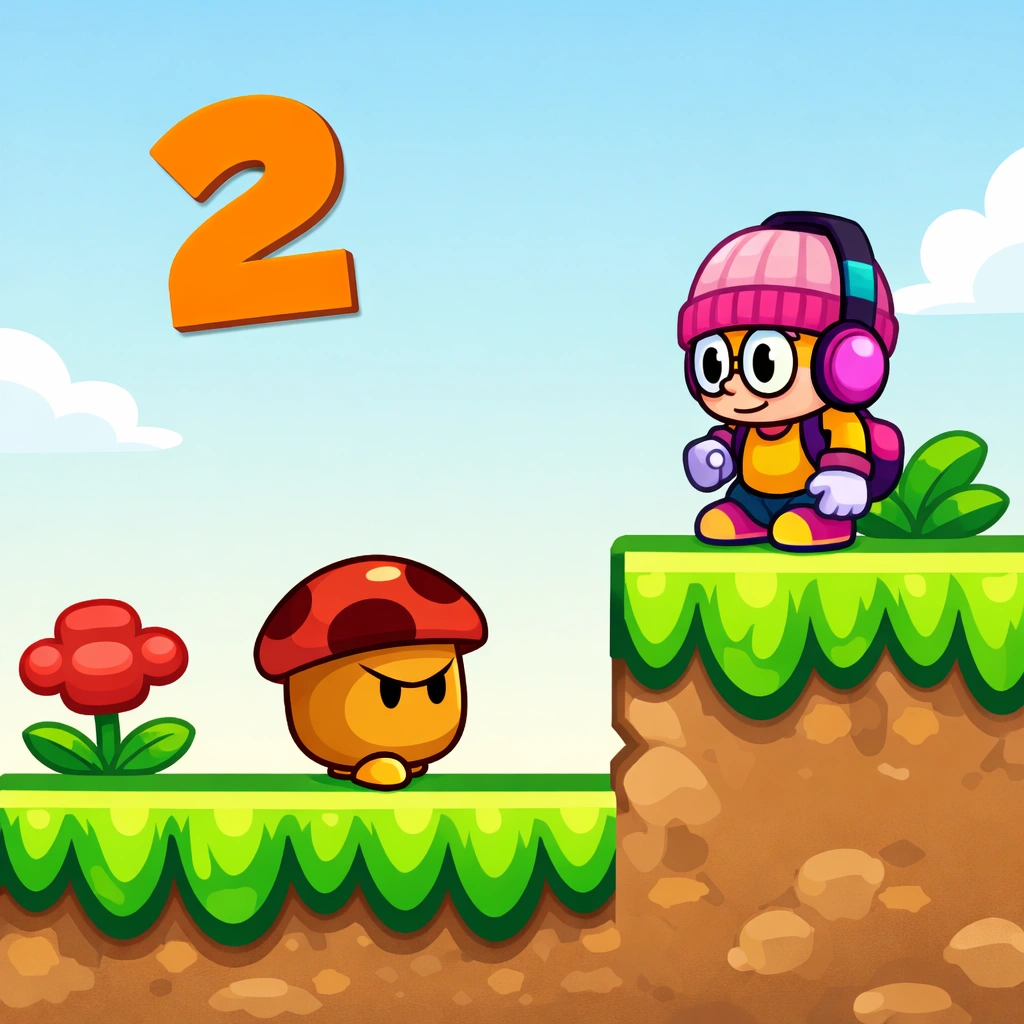
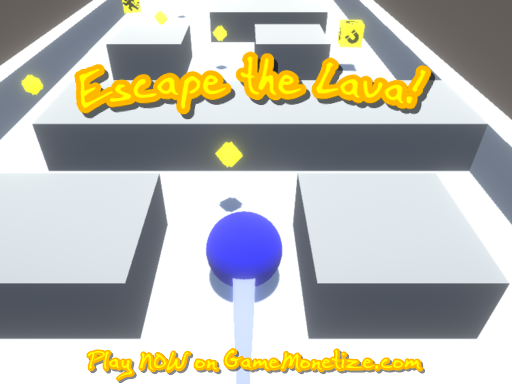


📖 About this game
Puzzlebot is a fun puzzle adventure where logic and creativity come together. Guide your adorable robot through intricate mazes and challenging brain-teasers while searching for a safe path forward.
Use your movement controls to explore each level and interact with objects and switches along the way. Think carefully, solve the puzzles, and use your problem-solving skills to overcome each challenge.
With vibrant graphics, charming characters, and engaging puzzles, Puzzlebot offers an enjoyable adventure for players who love brain-teasing challenges. Guide your robot carefully and find your way through every level.
Use your movement controls to explore each level and interact with objects and switches along the way. Think carefully, solve the puzzles, and use your problem-solving skills to overcome each challenge.
With vibrant graphics, charming characters, and engaging puzzles, Puzzlebot offers an enjoyable adventure for players who love brain-teasing challenges. Guide your robot carefully and find your way through every level.
🎮 How to play
Desktop
- Move - Use the Arrow Keys or WASD to move your Puzzlebot.
- Interact - Press the Spacebar to interact with objects or activate switches.
- Restart Level - Press R to restart the current level.
- Pause Game - Press Esc to pause the game and access options.
Mobile
- Move - Use the on-screen movement controls to move your Puzzlebot.
- Interact - Use the on-screen interaction control to interact with objects or activate switches.
- Restart Level - Use the on-screen restart control to restart the current level.
- Pause Game - Use the on-screen pause control to pause the game and access options.
Frequently Asked Questions
What is Puzzlebot Game?
▾Puzzlebot Game is a free online game you can play instantly in your browser. No downloads, no installs and just click play and start having fun.
Do I need to download Puzzlebot Game to play it?
▾Not at all! Everything is browser-based, so you can play instantly on your PC, Chromebook, or mobile phone without installing any apps.
How can I get a higher score?
▾Check the how-to-play instructions above, practice the controls, and look out for power-ups and bonuses that can boost your score.
Can I play Puzzlebot Game unblocked at school or work?
▾Since it's browser-based, it's often accessible where app stores are blocked — perfect for a quick break.
Where can I find more games like this?
▾Check out the Similar Games section below, or browse our categories to discover more games you'll love.
Categories:

Tags:
Comments

You must log in to write a comment Login Here.


ETM HTML5
GAMES
GAMES
PLAY FREE • NO DOWNLOAD
3